
Wrestling GM 2026 - Beta 1.2.2 Exclusive Preview
Beta 1.2.2 — Patreon Exclusive Preview
Simpler TV deals, more control over your shows, faster loading, and another round of quality-of-life improvements
Beta 1.2.2 is now available as an early preview for Wrestling GM 2026 GM Club supporters.
This update has a strong quality-of-life focus, but there is one particularly significant change underneath it: TV Networks have been substantially redesigned.
Instead of the game trying to automatically work out which network belongs to which brand and show, you now have much more direct control over where your shows actually air.
Alongside that, this update improves startup portrait loading, Sponsor contract management, Custom Match access, AI Booking preferences, Free Agent negotiations, larger-screen Sponsor layouts, and introduces selectable currency symbols across the game.
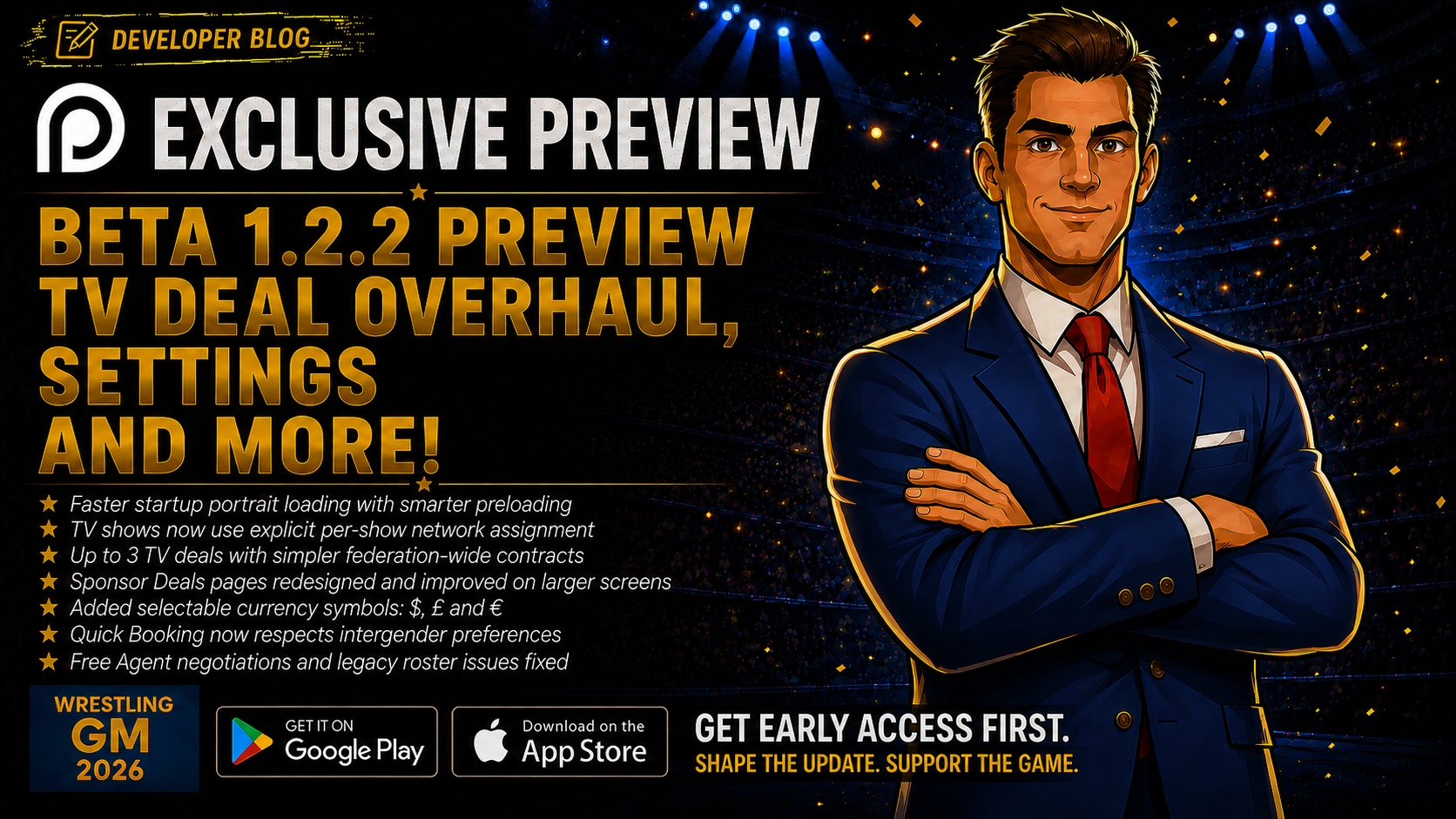
TV Networks — you decide where your show airs
The TV Network system has received a major overhaul.
Previously, Wrestling GM 2026 used several automatic rules to try to determine which TV Network should apply to a particular show.
As the Brand system grew, those rules became increasingly complicated and could sometimes disagree with each other.
Beta 1.2.2 replaces that approach with something much clearer.
Explicit TV Network assignment
Players can now sign up to 3 concurrent TV Network deals.
You then explicitly decide which Network hosts each show.
Network assignment can be changed:
- Across the entire show series from the Shows edit screen
- For one individual episode directly from Show Booking
When changing it during Show Booking, the game asks whether the change should apply only to that episode or to the whole series.
If a show has no TV Network assigned, the game now tells you clearly instead of silently allowing you to miss potential TV revenue.
Why this matters
You now know exactly where your show is airing.
There is no hidden brand-matching logic deciding in the background which deal should apply.
You control it.
TV deals are now federation-wide
TV Network contracts are no longer signed against individual Brands.
The old:
- All Brands coverage
- Brand-specific coverage
- Per-brand TV deal slots
have been removed.
A TV deal belongs to the federation.
When a show airs, its actual payout then adjusts based on the Brand running that show.
For example:
- Primary Brands receive the full deal value
- Secondary and Developmental Brands receive scaled payouts
This follows the same principle already used for show expectations and popularity growth.
Why this matters
This removes a lot of unnecessary contract complexity.
You negotiate the value of the TV deal once, then decide which of your shows actually airs on that Network.
Existing saves are migrated
Older saves may still contain Brand-scoped TV Network data.
Beta 1.2.2 automatically strips that old scope information during migration.
Deals that previously had their base payout reduced because they were signed for a lower-tier Brand are also restored to their full-value base deal.
This means existing saves can move into the new system without needing to restart.
Weekly expectations are now frozen
TV rating, payout, and Network Goal reward expectations are now calculated once when the week advances.
They no longer continually recalculate during the week.
This gives you a stable target to book toward instead of expectations potentially moving while you are preparing the card.
Faster wrestler portrait loading
Startup portrait loading has also been reworked.
Instead of every wrestler avatar independently trying to resolve its own image as it appears, the game now preloads and caches the portraits of your roster before continuing.
A progress indicator shows this happening.
There is also a 30-second fallback so a slow or problematic image can never permanently block game startup.
Additional fixes include:
- Wrestler portraits no longer unnecessarily clear during normal re-renders
- Changing wrestler identity still refreshes the portrait correctly
- Image existence checks now have a 10-second timeout
Why this matters
Large rosters place a lot more demand on image loading.
This should reduce missing portraits, stale images, flickering, and unnecessary loading while navigating wrestler-heavy pages.
Select your currency
Players can now choose their preferred currency symbol:
- $
- £
- €
You can choose it during federation creation or change it later through Settings.
This is cosmetic only. It does not change the game's economy or apply exchange rates.
The selected currency now appears consistently across areas including:
- Dashboard
- Finances
- Wrestler contracts
- Staff
- TV deals
- Sponsors
- Training
- Loans
- Wrestler profiles
- Messages
This also fixes an older issue where Veteran difficulty could incorrectly show starting budgets in £ regardless of the rest of the interface.
The feature has been translated across all supported in-game languages.
Sponsorship contract improvements
The Sponsor system continues to receive UI and usability improvements.
Better large-screen support
The Sponsorship Deals matrix previously remained around the same narrow width even on tablets and desktops.
It now expands properly to use the available space while retaining horizontal scrolling on smaller phones.
Redesigned contract details
Sponsor Contract Details have also been redesigned.
Instead of displaying internal values such as:
"Q 35 · V 0 · +2.025/-3.038"
the game now presents properly translated and labelled information.
Contract details include:
- Clear metric labels
- Status badges
- Actual show names rather than internal IDs
- Properly rounded relationship changes
- Quality targets shown on the game's normal 0–10 scale
Sponsor contract details now open in a modal over the Sponsors page rather than moving you to a separate screen.
This brings Sponsor contracts closer to the experience already used by TV Network deals.
Custom Match Creator
The Custom Match Creator once again has a proper entry point through Head Office.
Once unlocked, the Upgrades section links directly to Custom Matches.
If you have not unlocked it yet, the game instead shows the required progression level.
The Head Office and Match Booking versions now use one shared component, meaning the unlock requirements and presentation remain consistent wherever the feature appears.
Quick AI Booking respects your preferences
Quick AI Booking is the default booking mode for many players.
An issue meant that it could still create intergender matches even when the player had disabled intergender booking through Custom AI Booking preferences.
Quick mode now respects that preference correctly.
Free Agent negotiations fixed
Some Free Agents from the canonical wrestler pool could immediately send players back to the Free Agents list after pressing Negotiate.
This mainly affected wrestlers who had not yet been written into roster data belonging to older save files.
The negotiation flow now handles these wrestlers correctly.
This is an early Patreon preview
Beta 1.2.2 is being made available to GM Club supporters first.
Patreon early access gives supporters the opportunity to try upcoming changes before the wider release and provide feedback while development is still moving.
More importantly, Patreon support directly helps fund the continued development of Wrestling GM 2026.
You can join the GM Club from £2 / $3 per month.
[GM_CLUB_CTA_WIDGET]
Thank you
Beta 1.2.2 is another update where much of the work is about removing friction.
TV Networks are easier to understand.
Players have more control over which Network actually broadcasts each show.
Large rosters should load more reliably.
Sponsor contracts are easier to read.
Currencies can match your preference.
And several smaller frustrations across booking and negotiations have been removed.
Thank you to everyone supporting the project and helping test Wrestling GM 2026 as it continues to grow.

Get early access
- Join the Wrestling GM 2026 GM Club for early game access and exclusive development updates
- Join Discord to discuss the update and provide feedback
- Play Wrestling GM 2026 on Android and iPhone
- Help shape future development through Creative Suite
Join Our Community
Connect with other testers, share feedback, and chat with the dev team on Discord.
Your support helps build what comes next.